Choose one of the following methods to install our application on your iOS device:
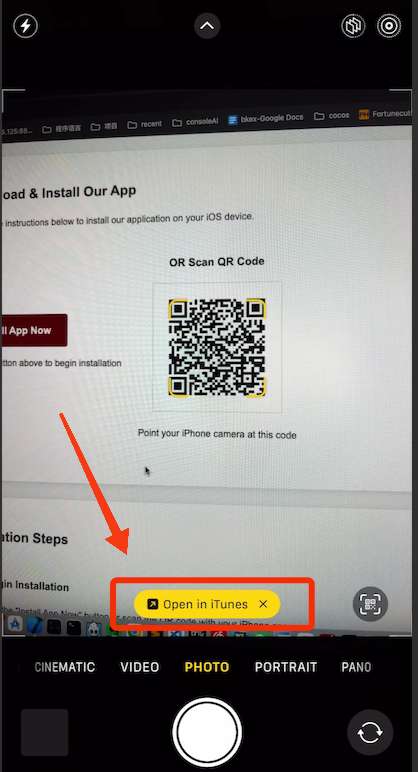
Click "Install App Now" button or open your iPhone camera to scan the QR code
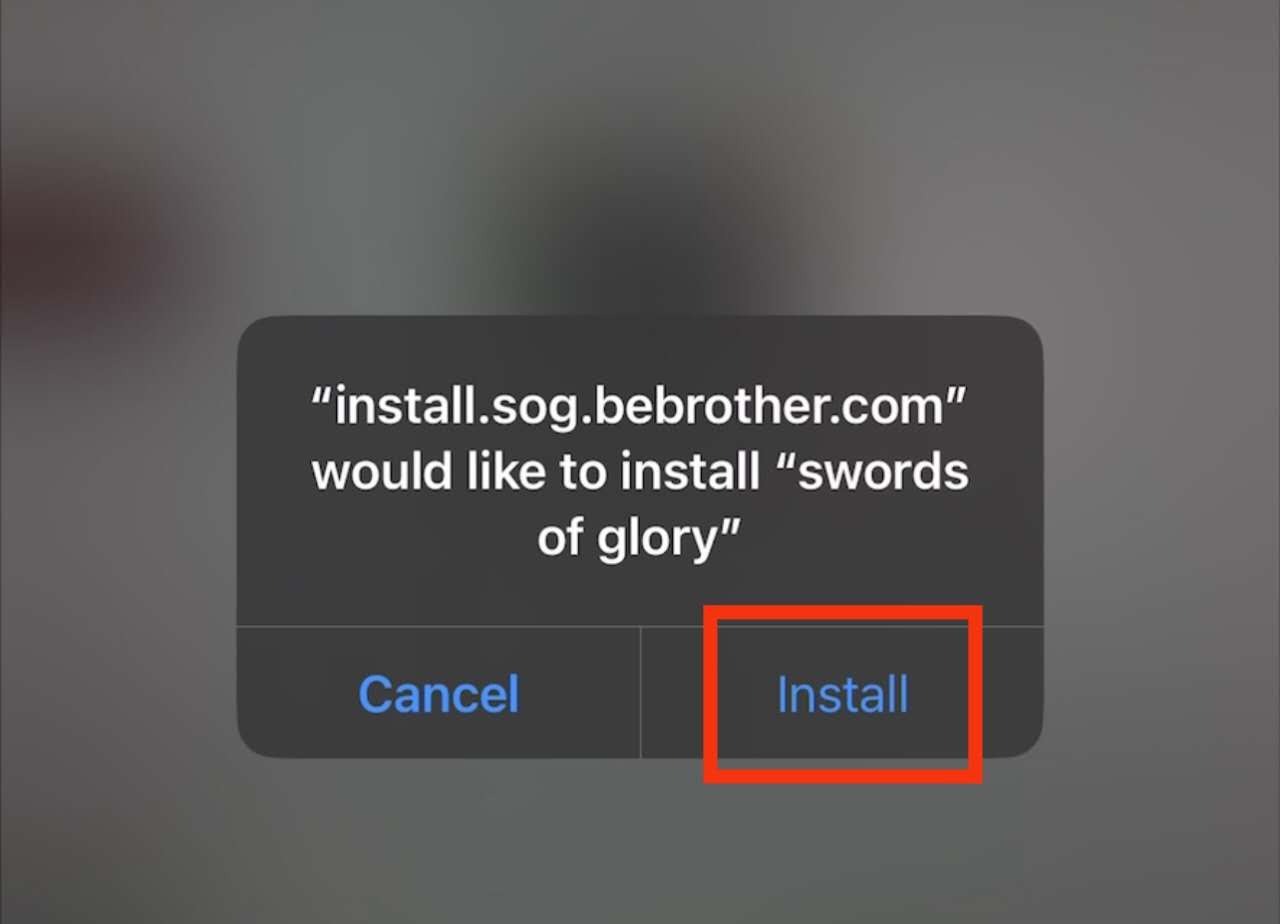
In the pop-up window, click "Install" to begin the installation process
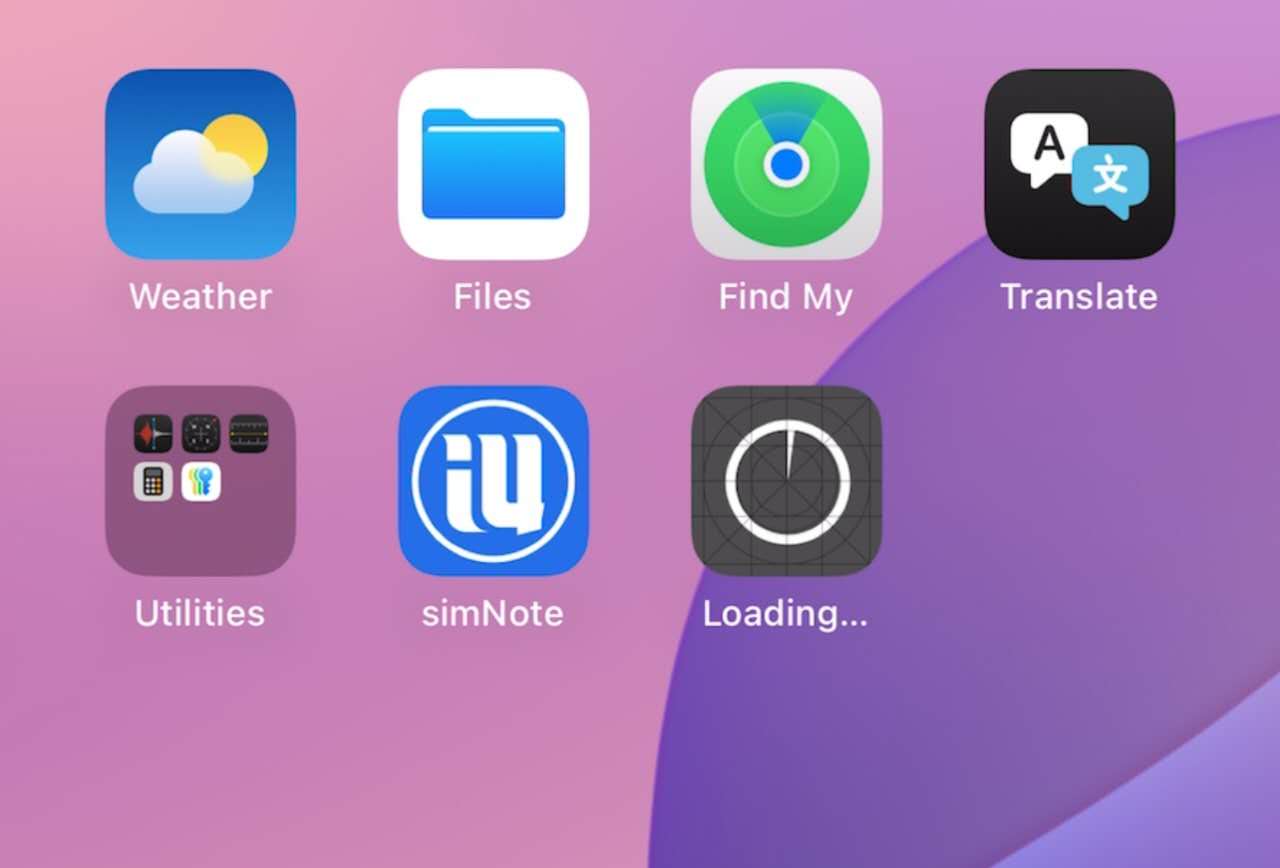
You'll see "Waiting..." or "Loading..." icon on your home screen while the app downloads
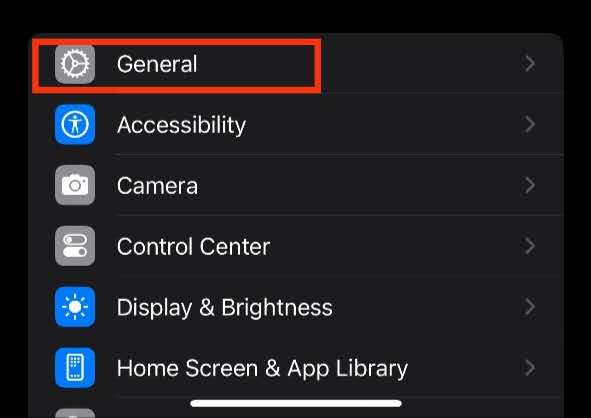
After downloading finished, go to your iPhone Settings and select "General"
Scroll down and select "VPN & Device Management"
Find and select "GAC TOYOTA MOTOR CO.,LTD" in the Enterprise App section
Tap "Trust GAC TOYOTA MOTOR CO.,LTD" to authorize the app
Click "Allow & Restart". Your phone may restart (older iPhone models might not require restart)
If your phone restarted, swipe up and click "Install Profile" in the "Ready to Install Profile" screen